
According to ABC News reporting, a museum employee said the password to the Louvre’s video surveillance system was “Louvre.” Whether you run a museum, hospital, retailer, manufacturer, or SaaS platform, the lesson is the same: weak credentials on high-value systems quietly undo millions in security spend.
This isn’t about exotic malware; it’s about credential hygiene, network segmentation, and ongoing validation—especially for video management systems (VMS), badge access, and other physical-security tech.
The core failure: guessable credentials on a critical system
If the report is accurate, using a brand or organization name as a password is a triple-threat:
- Predictable: easily guessed/dictionary-based
- Reused: often copied across subsystems and service accounts
- Unmonitored: admin/“system” credentials rarely rotate without policy + tooling
Combine that with flat networks and limited change logging, and an attacker—or insider—could disable cameras, blind coverage, or manipulate evidence.
What every org should do now
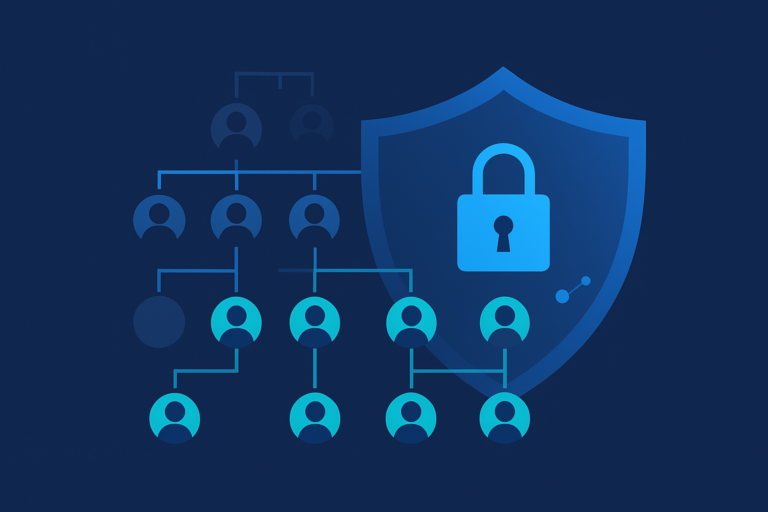
- Ban dictionary/brand passwords. Enforce passphrases with length + entropy; deny-list company/product/place names.
- Vault and rotate admin creds. VMS/NVR/badge systems need unique, vaulted, regularly rotated credentials.
- Require MFA (where supported). Gate consoles behind MFA/VPN with IP allow-lists or device posture checks.
- Segment the security network. Isolate cameras/VMS; reach them via a jump host with session logging.
- Log & alert. Watch for failed logins, default accounts, and configuration changes across security subsystems.
- Test and re-test. Run joint physical + cyber tabletop exercises; validate that fixes actually hold.
How Cobalt PTaaS helps prevent this class of failure
Pentest-as-a-Service (PTaaS) pairs expert human testing with a delivery platform so teams can find, fix, and prove fixes quickly. Here’s how it maps to “Louvre-style” risks:
1) Rapid scoping of high-impact assets
Prioritize VMS/badge systems, OT/IoT devices, admin portals, and remote access points. Include credential hygiene checks (deny-lists for brand terms, default creds, shared service accounts).
2) Real-time collaboration with testers
Your team chats directly with pentesters in the platform to triage weak passwords, exposed interfaces, and misconfigurations as they’re found—not weeks later. Request safe proof-of-concept to understand impact.
3) Integrations with your workflow
Push findings to Jira / Azure DevOps / ServiceNow so owners are assigned immediately. Attach playbooks: rotate credentials in the vault, enforce MFA, segment VLANs, add admin monitoring.
4) Validate the fix (don’t just close the ticket)
Trigger a re-test in the platform to confirm the weak credential no longer works, MFA is enforced, and console access is limited to approved paths (e.g., VPN + jump host). Export audit-ready evidence.
5) From one-off to continuous
Schedule quarterly or always-on testing for these subsystems so configuration drift (e.g., a new default password or camera subnet) gets caught quickly.
Bottom line: PTaaS turns “we’ll fix it later” into find → fix → verify, with less calendar drag and clearer accountability.
(If you want readers to learn more, you can link “Cobalt PTaaS” to your services page or to Cobalt’s platform overview.)
FAQ
Is PTaaS only for web apps?
No. In addition to web and APIs, PTaaS can target admin consoles, remote gateways, and security appliances—precisely where weak credentials often hide.
What if the vendor console doesn’t support MFA?
Use compensating controls: VPN + device posture + IP allow-lists + jump host + credential vaulting + intensive logging—then re-test.
Can this run without disrupting operations?
Yes. Tests are scoped and scheduled, findings route to your backlog with owners and due dates, and a re-test confirms closure.